
Weekly Wednesday Watchlist
Moore Picks
Review Chad’s current themed selection of Greater Sudbury listings, with practical commentary about positioning, features, trade-offs and possible buyer fit.


705-691-1805
Real Estate Company
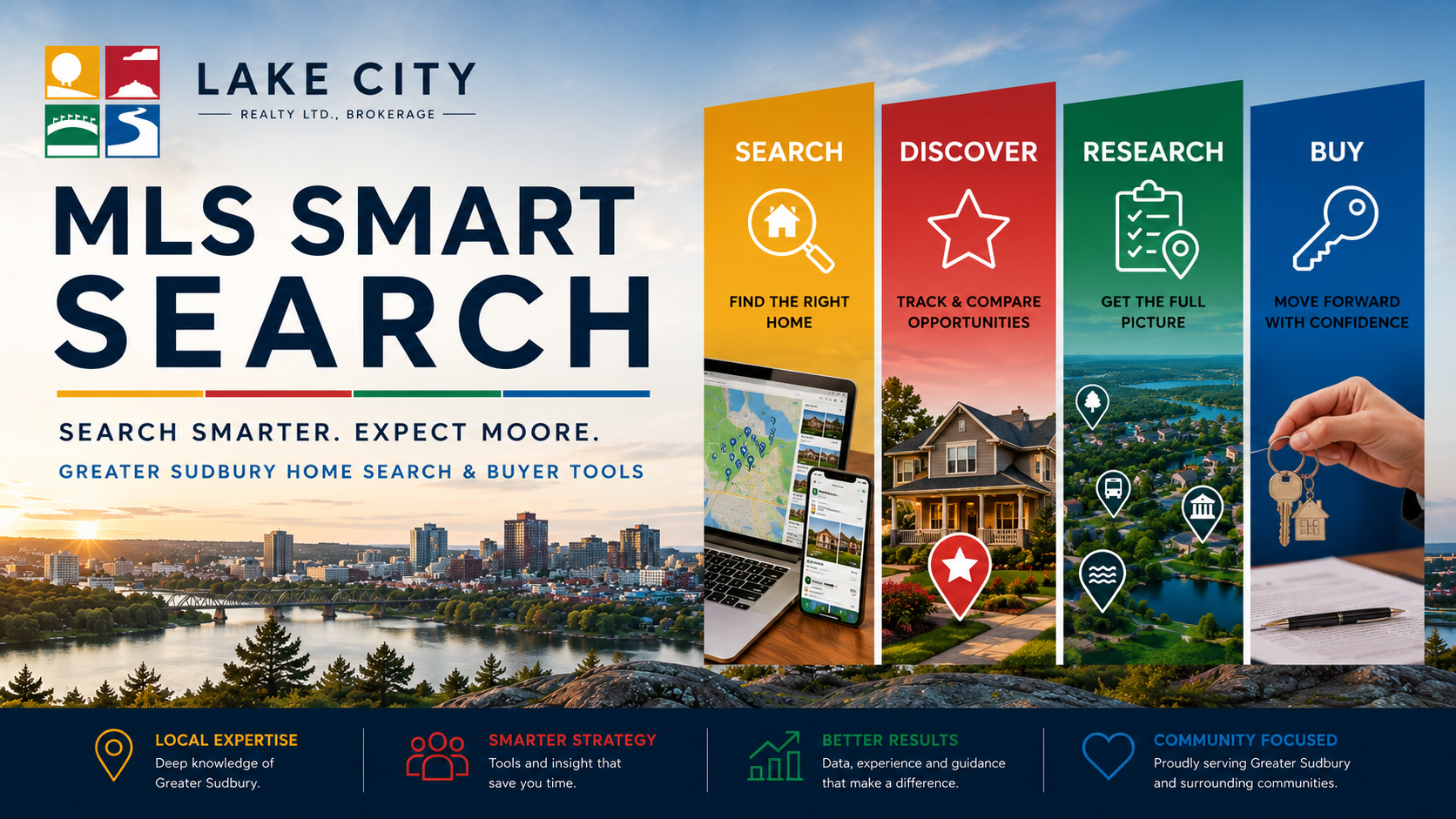
Greater Sudbury Home Search & Buyer Tools
Search live MLS® listings, narrow the Greater Sudbury market, track opportunities, research properties and neighbourhoods, and move into the buying process with a clearer plan.
Find the Right Starting Point
Open a pre-built Greater Sudbury MLS® search by price, area, feature or property type. More specific combinations remain available in the complete Curated Hot Sheets directory.
Start with the range that best reflects your working budget.
Begin with a Greater Sudbury community or larger search area.
Focus on a specific property form or ownership priority.
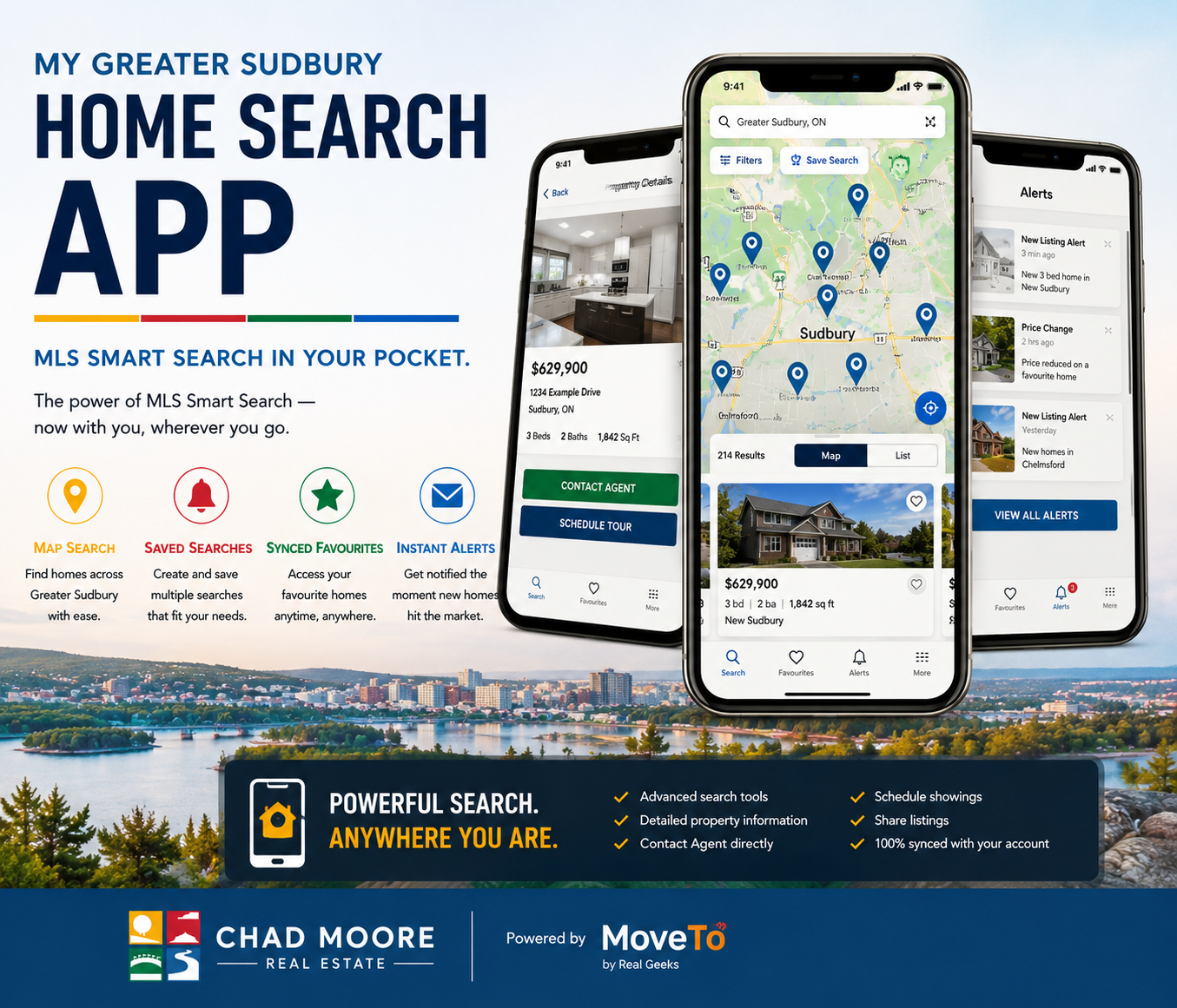
MLS Smart Search in Your Pocket
Chad Moore Real Estate — powered by MoveTo by Real Geeks
Take your Greater Sudbury search with you through my branded mobile app. It connects directly to this website so your searches, favourites, alerts and account stay together across mobile and desktop.
More Than a Listing Search
Find timely opportunities, compare what is available, and research questions that do not fit inside a standard listing page.
Weekly Wednesday Watchlist
Review Chad’s current themed selection of Greater Sudbury listings, with practical commentary about positioning, features, trade-offs and possible buyer fit.
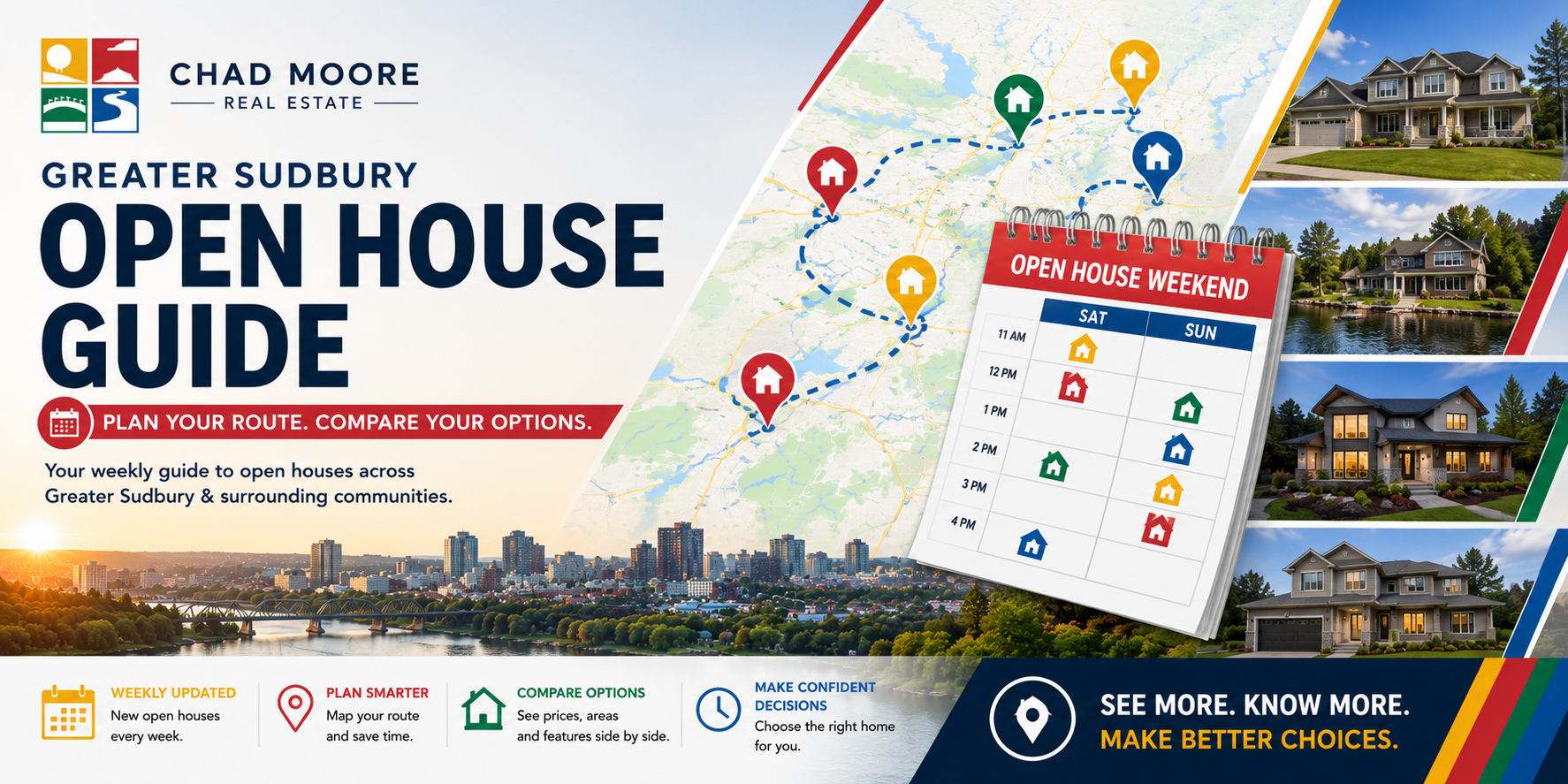
Weekly Touring Planner
Review current public open houses by timing, budget, area, property characteristics and buyer-fit considerations before planning your route.
Will everyday life fit?
Explore recreation, parks, trails, transit, child care, schools, food access and other nearby resources that may shape day-to-day life.
Also explore the Communities hub.
What should I investigate?
Review official maps and records that may provide context about land use, permits, planning, development, traffic, infrastructure, mapping and rural or environmental factors.
Review Ontario real estate laws.
Which City services matter?
Find official starting points for 311, taxes, water accounts, waste collection, permits, roads, transit, maps, wards and resident services.
Continue to Community Services & Resources.
What needs to be connected?
Find electricity, water, natural gas, heating-fuel, internet, television and phone starting points, plus useful preparation for transfers and moving.
Moving into the city? Review the relocation guide.
MLS Smart Search research tools help identify questions and useful sources. They do not replace legal, planning, engineering, environmental, inspection, title, financing or other professional verification. Confirm anything material before making a decision.
One Connected Buyer System
Each MLS Smart Search system supports a different part of the path from browsing listings to making a confident decision.
Start with Curated Hot Sheets or Advanced Search.
Track listings through my mobile app, then compare Moore Picks and open houses.
Review lifestyle fit, property context, municipal services and utilities before relying on the listing alone.
Continue into the Buyer Experience for preparation, showings, offers and closing.
When Searching Becomes Buying
MLS Smart Search helps you find, track and research properties. The Buyer Experience adds financial preparation, showing strategy, property comparisons, offer guidance and closing support.

Quick Answers
MLS Smart Search is Chad Moore’s Greater Sudbury buyer-search system. It connects live MLS® search, Curated Hot Sheets, my Greater Sudbury mobile app, Moore Picks, the Open House Guide, local research tools and the Buyer Experience.
Curated Hot Sheets are pre-built starting points organized by price, area, feature or property type. Advanced Search is better when you want to control detailed criteria such as size, bedrooms, lot size, pool, waterfront or architectural style.
You can browse search-result pages without an account. When you select a listing, you will be prompted to sign up or sign in before viewing its full details and photos. An account is required to use the MLS Smart Search tools, save searches, favourite properties, receive alerts and sync your website and mobile-app activity.
My mobile app, powered by MoveTo by Real Geeks, adds advanced map and list search, custom MLS® filters, multiple saved searches, synced favourites, push alerts and direct Contact Agent and Schedule Tour actions.
Consider neighbourhood fit, nearby services, land-use and permit context, municipal information, utilities, property condition, financing, insurance and legal review. Confirm anything material with the appropriate authority or qualified professional.
Yes. Share your budget, preferred areas, property type, commute considerations and must-have features. Chad can recommend the best starting points, refine the search and help organize a practical shortlist.